
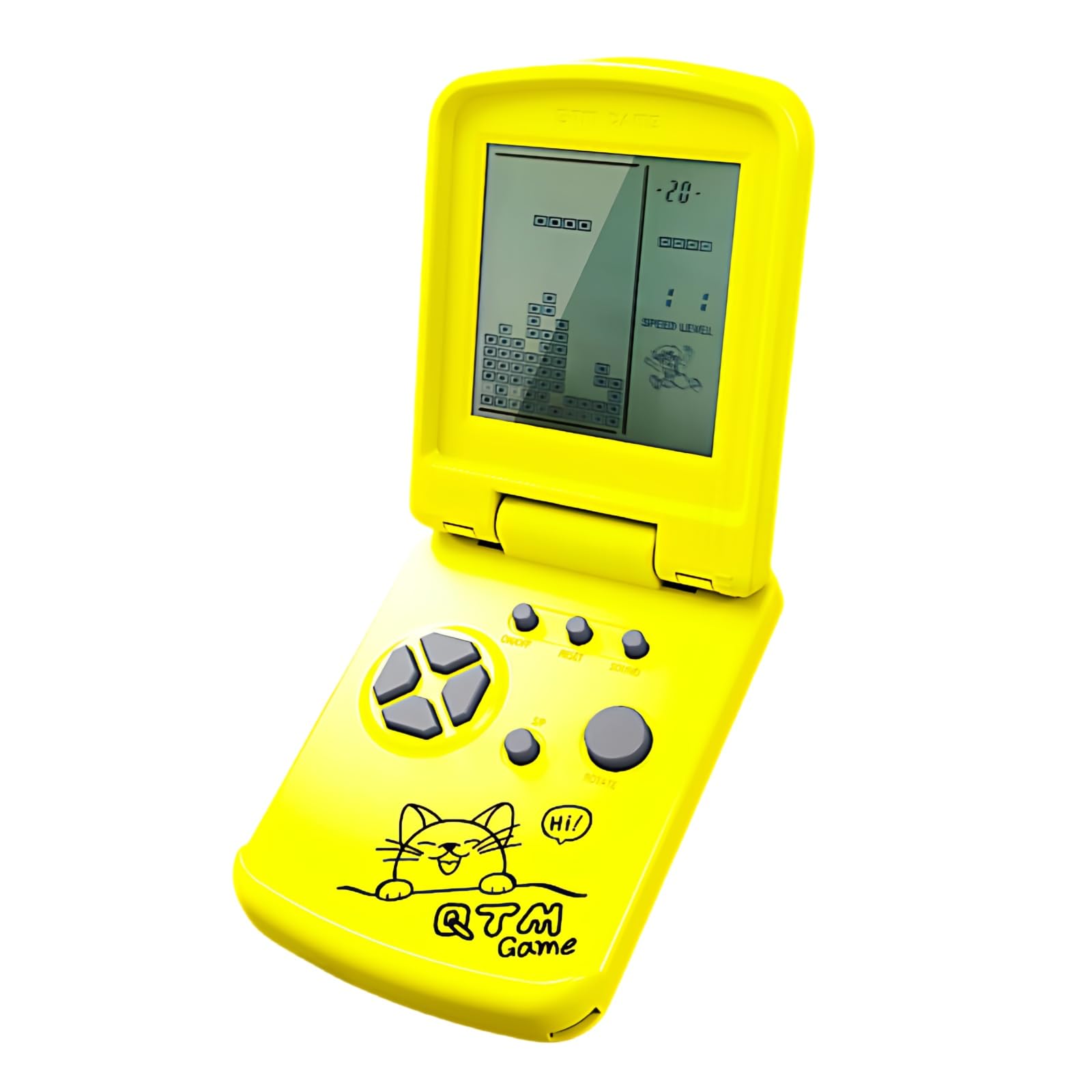
JXD 3.5-Inch Screen Block Game Console With Unique Flip Design Built-in 26 Retro Games Multiple Modes Adjustable Difficulty/Speed Children's Educational Game Toys Christmas (Yellow)
JXD 3.5-Inch Screen Block Game Console With Unique Flip Design Built-in 26 Retro Games Multiple Modes Adjustable Difficulty/Speed Children’s Educational Game Toys Christmas (Yellow)
$67.99 Add to cart

JXD 3.5-Inch Screen Block Game Console With Unique Flip Design Built-in 26 Retro Games Multiple Modes Adjustable Difficulty/Speed Children’s Educational Game Toys Christmas (Yellow)

$67.99

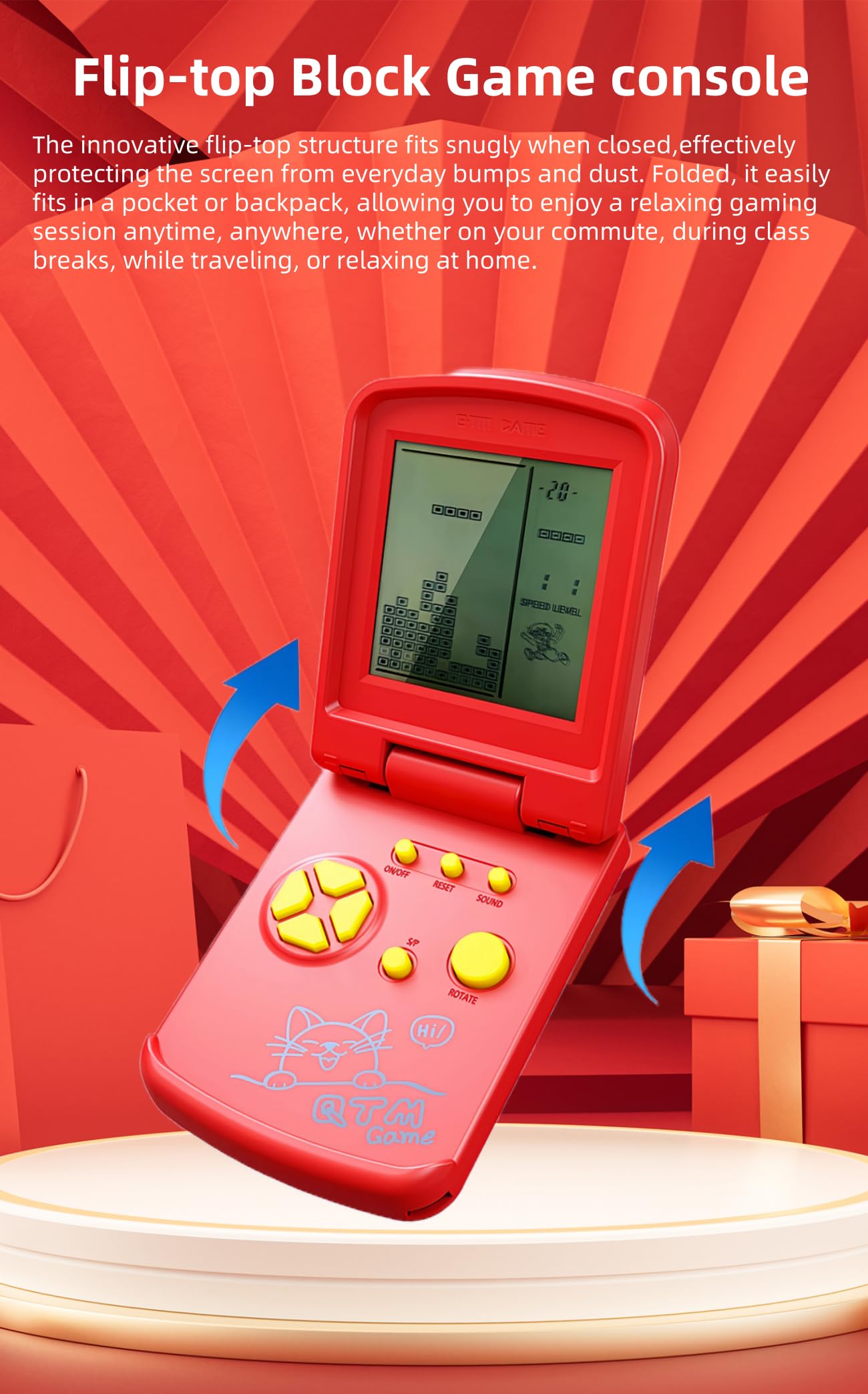
  • Unique flip-top design, compact and portable. The innovative flip-top structure fits snugly when closed, effectively protecting the screen from everyday bumps and dust. Folded, it easily fits in a pocket or backpack, allowing you to enjoy a relaxing gaming session anytime, anywhere, whether on your commute, during class breaks, while traveling, or relaxing at home.
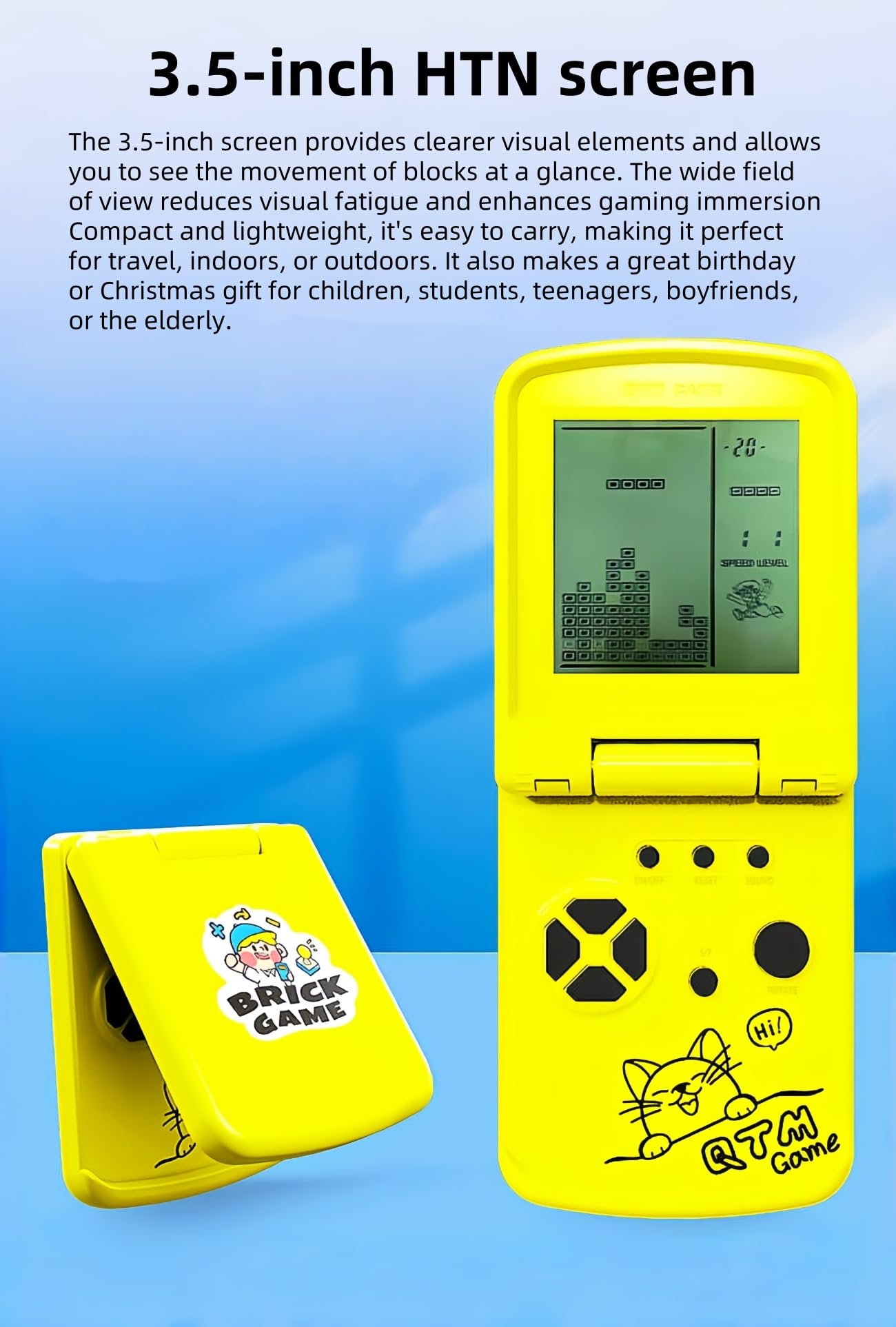
  • 3.5-inch screen. The 3.5-inch screen provides clearer visual elements and allows you to see the movement of blocks at a glance. The wide field of view reduces visual fatigue and enhances gaming immersion. Compact and lightweight, it’s easy to carry, making it perfect for travel, indoors, or outdoors. It also makes a great birthday or Christmas gift for children, students, teenagers, boyfriends, or the elderly.
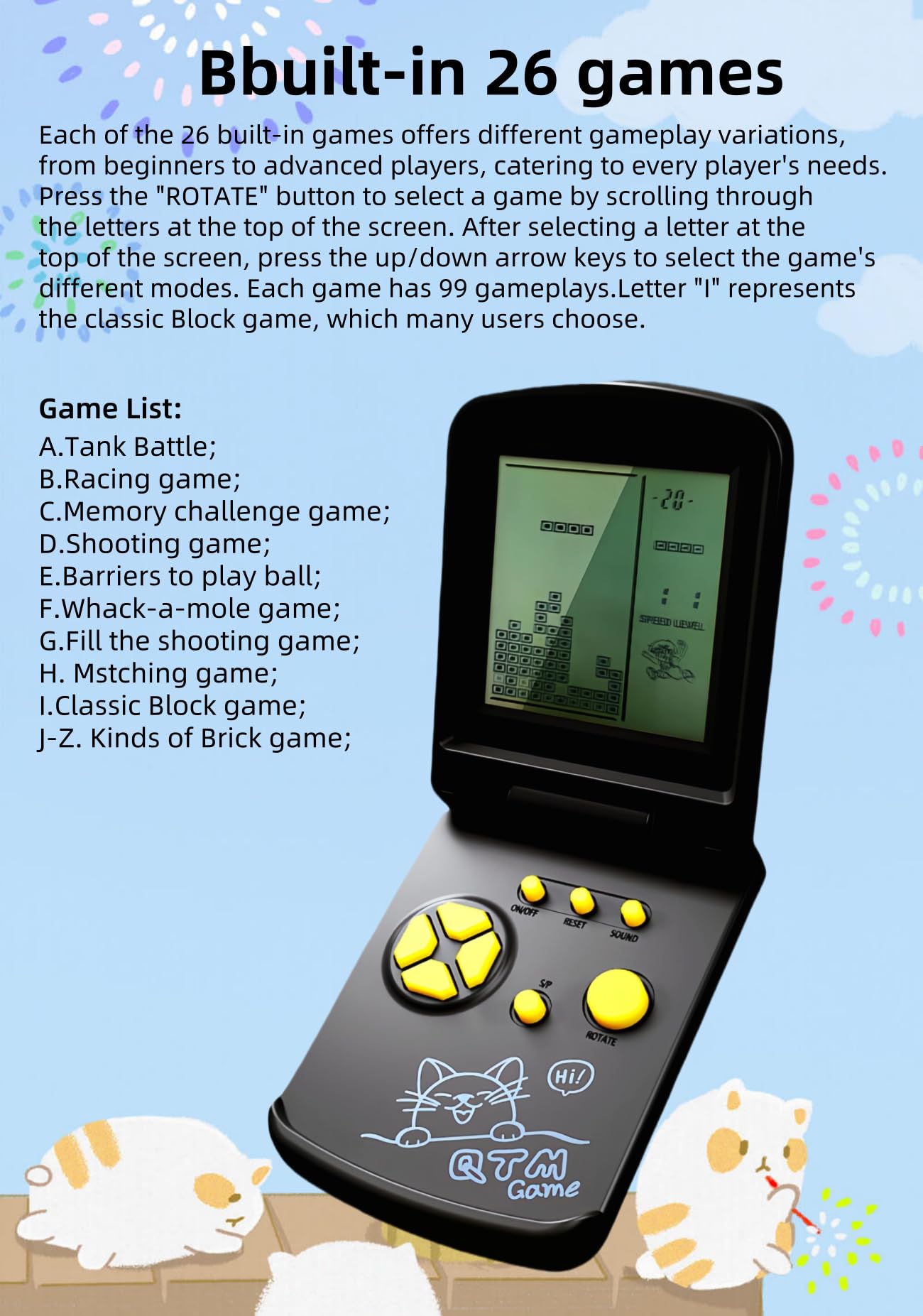
  • 26 built-in games. Each of the 26 built-in games offers different gameplay variations, from beginners to advanced players, catering to every player’s needs. Press the “ROTATE” button to select a game by scrolling through the letters at the top of the screen. After selecting a letter at the top of the screen, press the up/down arrow keys to select the game’s different modes. Each game has 99 gameplays.Letter “I” represents the classic Block game, which many users choose.
  • The game’s difficulty and speed are adjustable. After selecting the game you want to play, press the left arrow key to adjust the difficulty level and the right arrow key to adjust the speed before the game starts, to suit players of different skill levels. Important note: The difficulty and speed can only be selected before the game starts.
  • How do I select and start a game? The letters A-Z displayed at the top of the screen represent the game sequence. Different letters correspond to different games. Use the ROTATE button to select the game corresponding to that letter. After selecting a letter, press the S/P button to start the game.
  • You can pause the game and continue playing it next time without having to restart. Instructions: Press the S/P button to pause the game, then press the ON/OFF button to turn it off. The next time you play, press the ON/OFF button to turn it on, then press the S/P button to start the game.
  • Product Battery/Weight/Dimensions. Powered by 2 AAA batteries. Product weight/dimensions: 102g/10.5*8*2.5cm; Product weight/dimensions with packaging: 120g/12.5*9*3.5cm;
  • Product button/weight/size description Product weight/size: 50g/10.5*6*1.7CM; Product weight/size with packaging box: 62g/11*6.5*2.5CM;

Product description

Function key instructions
1.ON/OFF : Press ON/OFF key to turn on or off the game.
2. ROTATE: Press ROTATE key to select games before to start,it takes action in the selected game.
3. MUSIC:Press Sound key repeating to turn off or turn on the sound.
4. S/P (Start/Pause):Press S/P key to start or pause the selected game.
5.RESET:Press RESET to reset the game system.
6. UP/DOWN:Before starting the game, press UP/DOWN to select the mode of the selected game; In the game, press the UP/DOWN key to control the up/down direction of the game.
7. LEFT/RIGHT: Press LEFT/RIGHT keys to select the level(LEFT) and the speed(RIGHT) of the selected game before to start it.Press LEFT/RIGHT keys to control the left/right direction in game.

Game list and Instructions
Built-in 26 Games:
A:Tanks war: UP/DOWN/LEFT/RIGHT key control direction, ROTATE key to launch bullets.
B:Racing game: LEFT/RIGHT key control direction, ROTATE key to accelerate.
C:Memory challenge game: Remember up/down/left/right squares flashing position and the number of times, then press the UP/DOWN/LEFT/RIGHT keys according to the position and number of times.
D:Shooting game: LEFT/RIGHT key control direction, ROTATE key launch bullets.
E:Barriers to play ball: UP/DOWN/LEFT/RIGHT key control direction, ROTATE to speed up the ball movement speed .
F:Whack-a-mole game: According to flashing squares, then press the UP/DOWN/LEFT/RIGHT keys .
G:Fill the shooting game: LEFT/RIGHT key control direction, ROTATE key fired bullets
H:Mstching game: Press the UP/DOWN/LEFT/RIGHT key to make the following and the above box shape the same, then press the ROTATE key to collide.
I:Classic Block game: LEFT/RIGHT key control direction, ROTATE key to deformation.
J-Z:kinds of Brick game: LEFT/RIGHT key control direction, ROTATE key to deformation.

Safety Warning

If not used for a long time, please remove the battery.
Additional information

Weight 0.11 kg
Brand

JXD

Reviews

There are no reviews yet.

Be the first to review “JXD 3.5-Inch Screen Block Game Console With Unique Flip Design Built-in 26 Retro Games Multiple Modes Adjustable Difficulty/Speed Children’s Educational Game Toys Christmas (Yellow)”

Your email address will not be published. Required fields are marked *